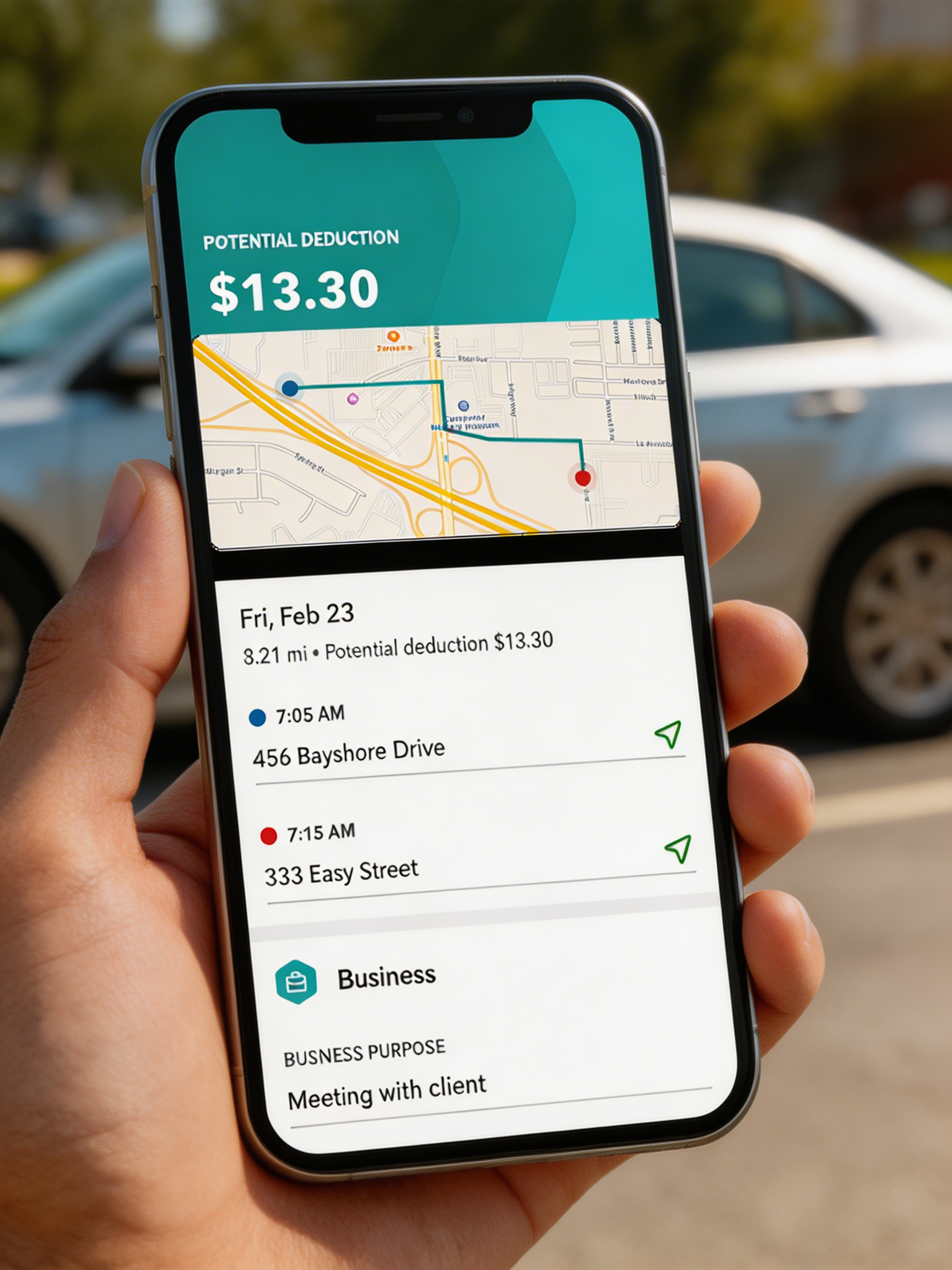
Whether you're driving part-time, full-time, or occasionally making deliveries, mileage can be one of the largest tax deductions for a small business.
No setup guide. No training. Download it, turn it on, and forget about it. Your miles track themselves.
Grab it from the App Store or Google Play. That's your hardest step and it takes about 10 seconds.
Select a plan that fits how you drive. No commitments, no surprises, upgrade or cancel anytime.
Flip on auto-tracking and the app handles everything from here. It detects every trip in the background.

That's it. Every mile is being logged, categorized, and saved for tax time. You don't have to think about it again.

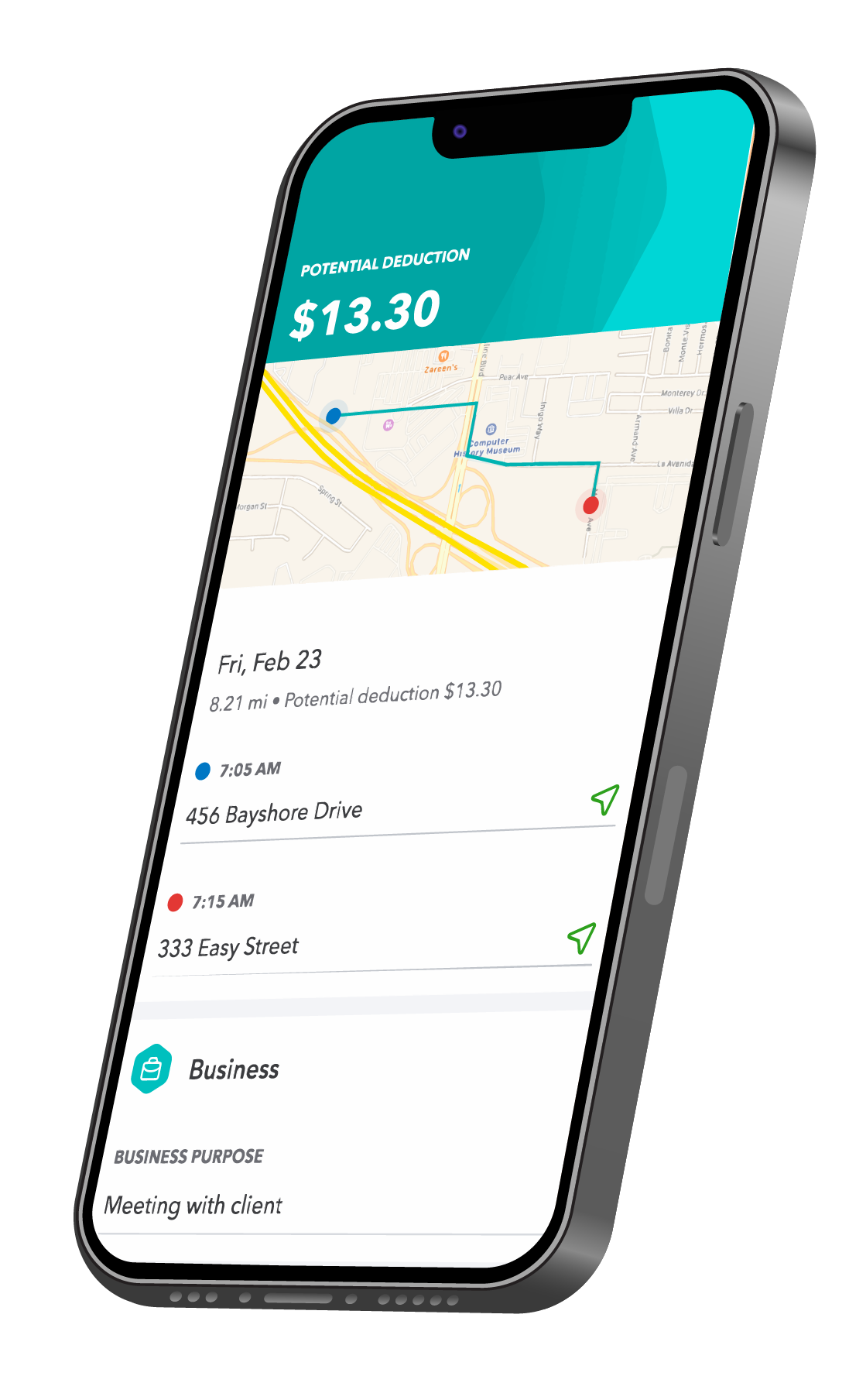
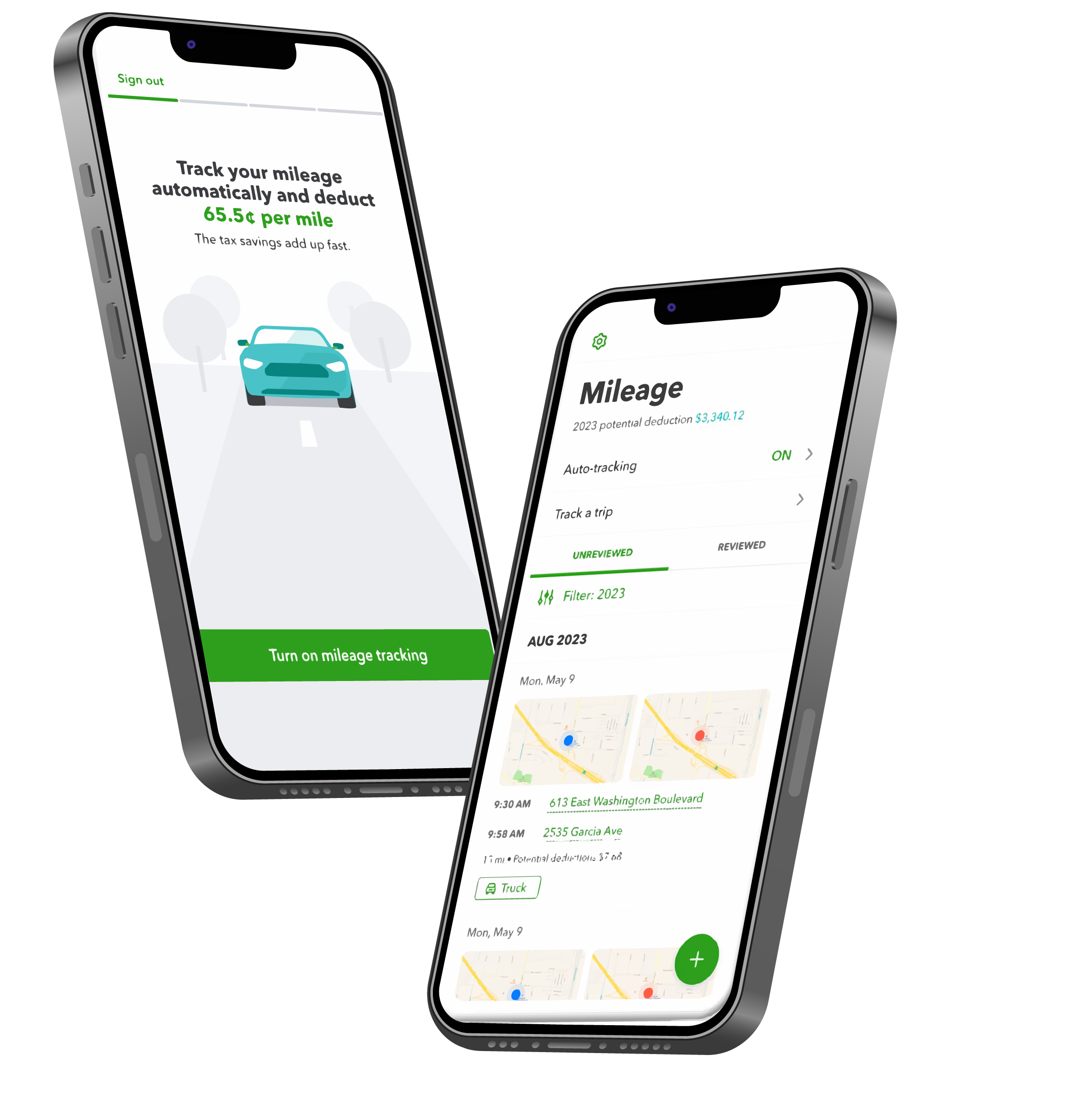
Easier than doing nothing. Just drive, and we'll use your phone's location to detect when you're driving. Or, add a trip manually.
Easily categorize individual trips as business or personal to maximize your potential tax deductions.
See the breakdown of miles and potential deductions. Plus, it's easy to share when you need to.
A mileage log is a written record of your trips that you submit with your business mileage deductions. The QuickBooks mobile app acts as a digital mileage log by tracking and categorizing the miles you drive for work, so nothing is lost or forgotten at tax time.

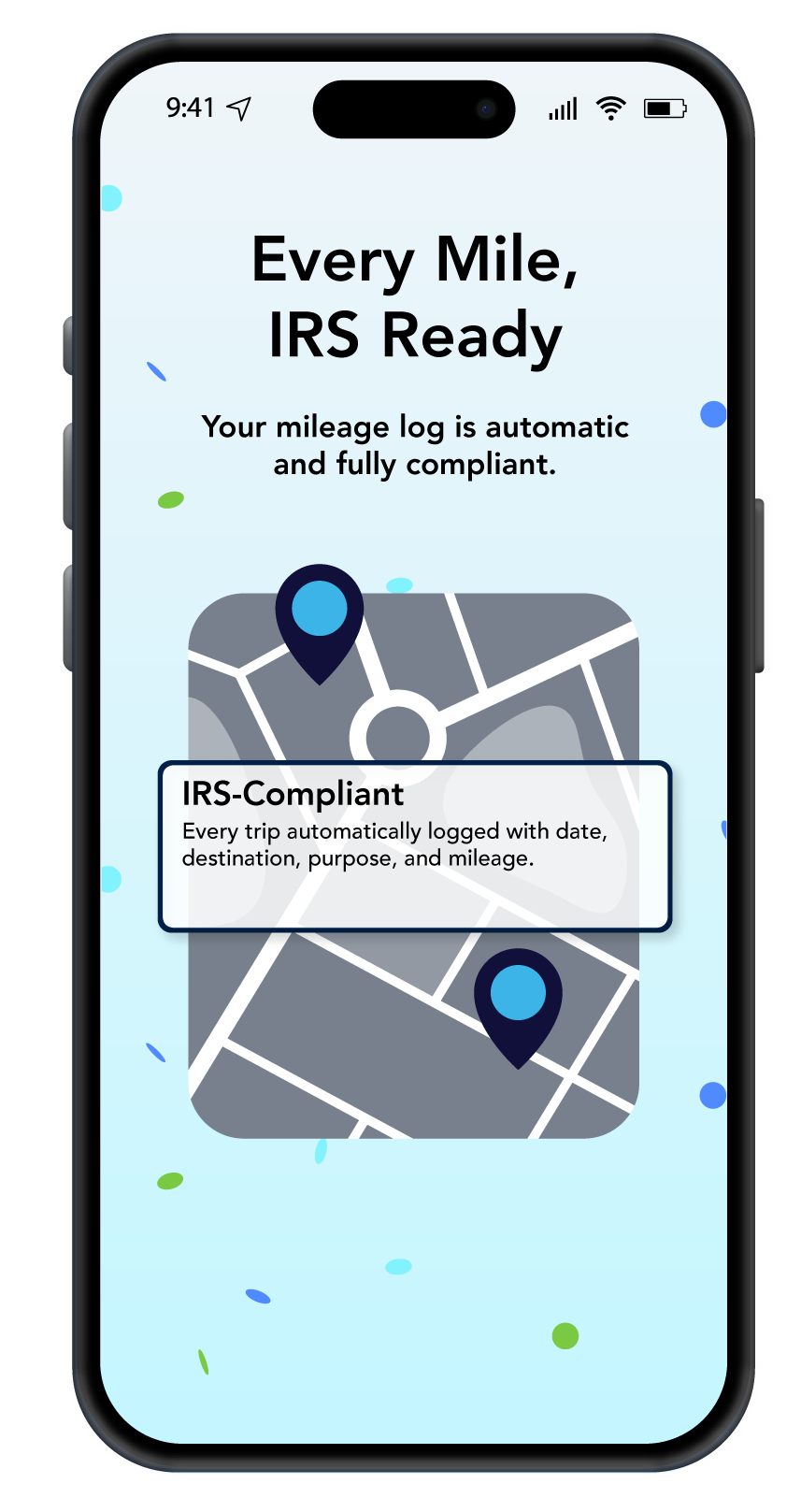
Stay IRS compliant by using a mileage log that includes the date, the destination, the reason for the trip, odometer readings, and total mileage. The QuickBooks Online app includes a digital mileage log and tracks these items for you, automatically.


“I used to forget to log my trips and would lose hundreds in deductions every year. With QuickBooks mileage tracking, it's completely automatic. I just drive and everything gets recorded. At tax time, my deductions were 40% higher than the year before.”


Tap Mileage from the menu, then tap the Plus icon to create a new entry. Enter your trip information: date, total mileage, and trip purpose. Select Save and you're all set.
Yes, you can easily share tax details, like mileage, through the mileage report. It lists your self-assigned taxable business profit and total amounts for each Schedule C deduction category.
You can track miles in QuickBooks Online or QuickBooks Self-Employed.
After you sign in and switch plans you can select an option to bring your data over. You'll find your miles waiting for you in your new account.
Open the app and tap the Miles tab. Switch the toggle to turn on automatic mileage tracking and enable location services. When you start driving, we'll start tracking miles.
Swipe right on the trip to categorize it as a personal trip, and swipe left to put it in a business mileage category. Keeping an accurate log ensures business trips are tracked for tax time.

Track mileage to get the biggest tax deduction you deserve.
See plans & pricing