
QuickBooks Mileage Tracker
Every Mile Is Money Back
Automatically track your drives and maximize tax deductions. Built for freelancers, contractors, and the self-employed.

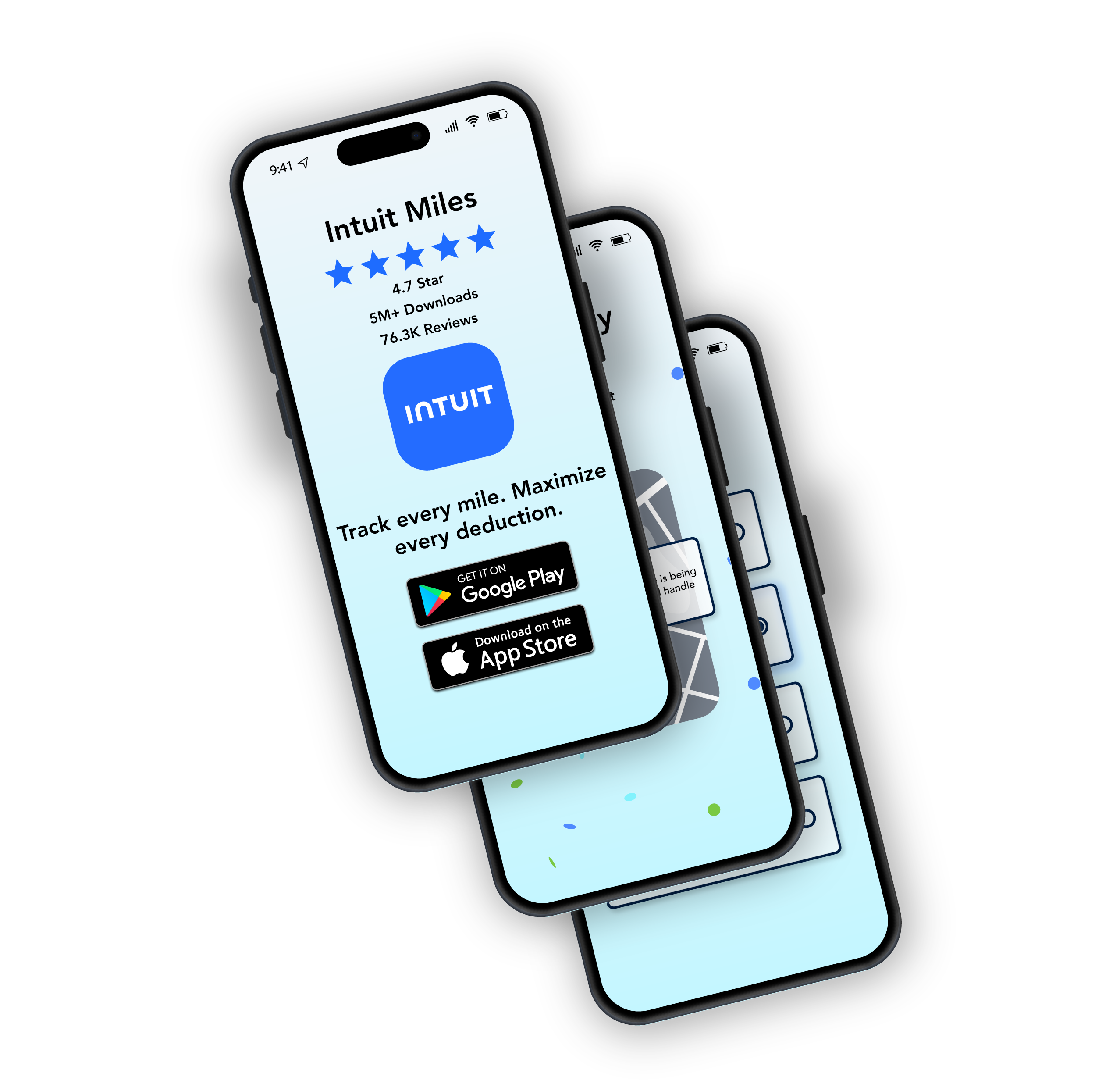
QuickBooks Mileage Tracker
Automatically track your drives and maximize tax deductions. Built for freelancers, contractors, and the self-employed.
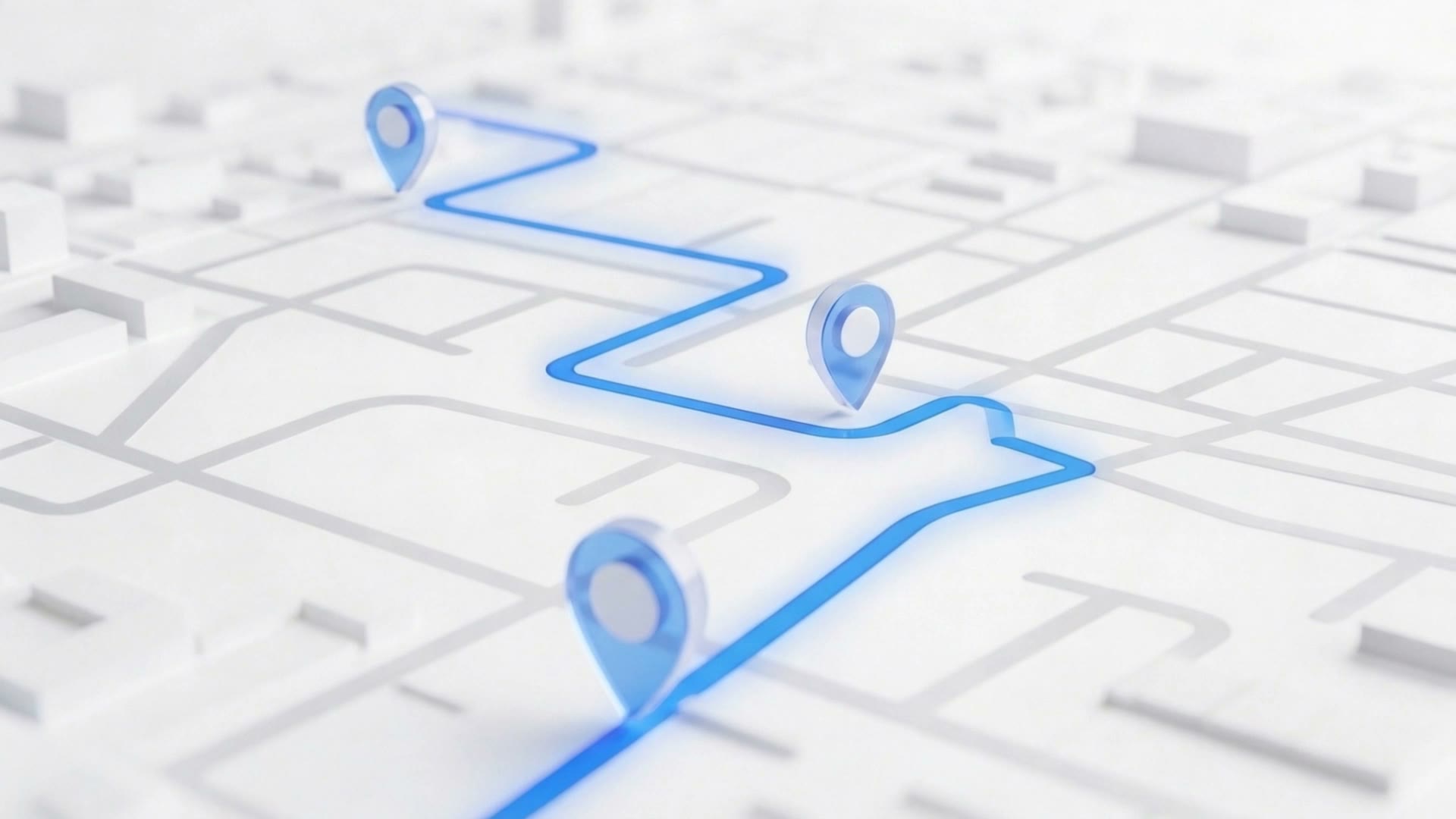
From automatic mileage logging to one-tap tax categorization, QuickBooks turns every drive into a potential deduction. No manual entry, no missed miles.

28 yrs
Helping small businesses

4.7★
App Store Rating
6,700+
Customer reviews on Capterra
How it works
Step 1
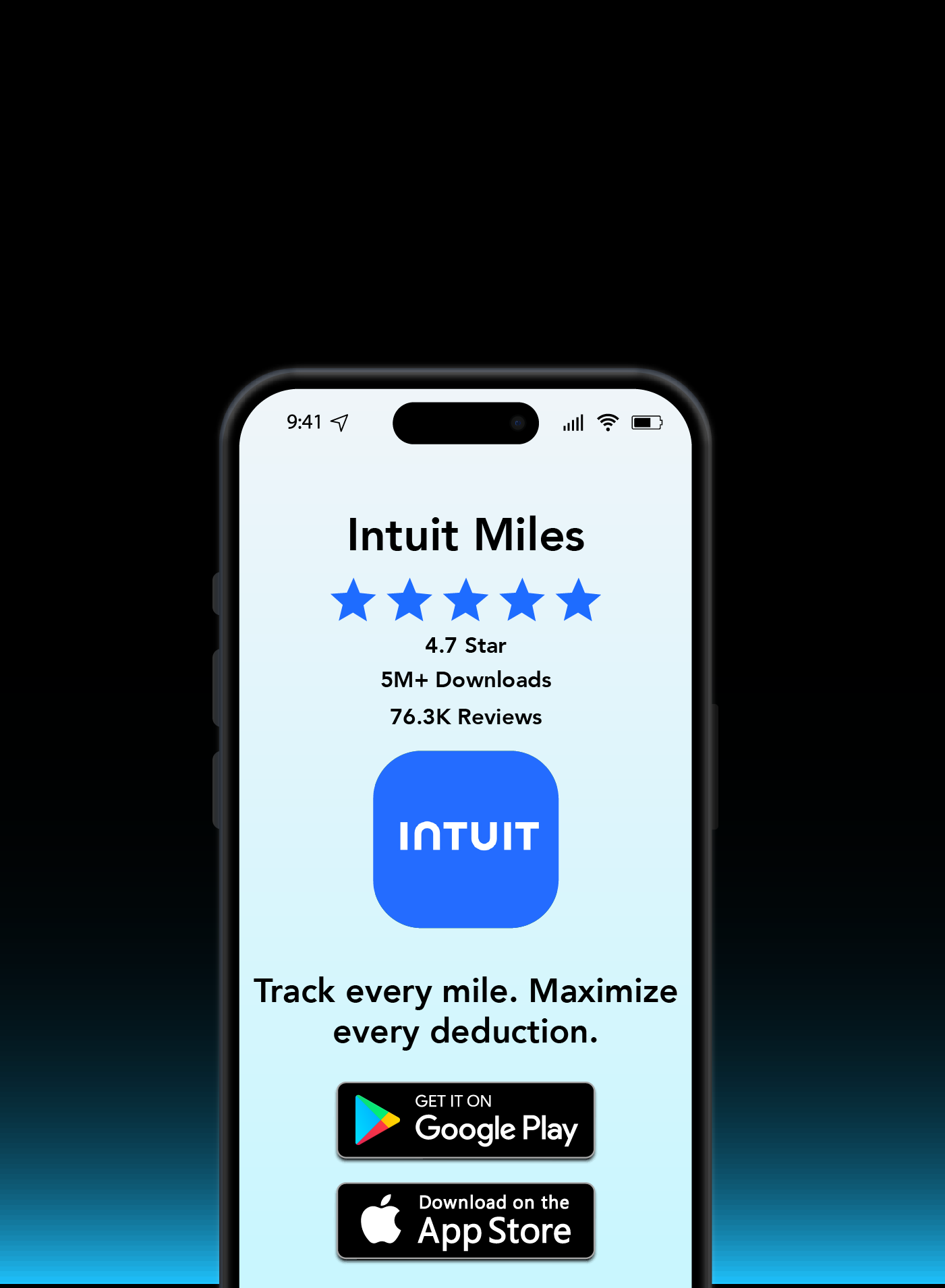
Download QuickBooks Mileage Tracker from the App Store or Google Play. Free to start, no credit card needed.
Step 2
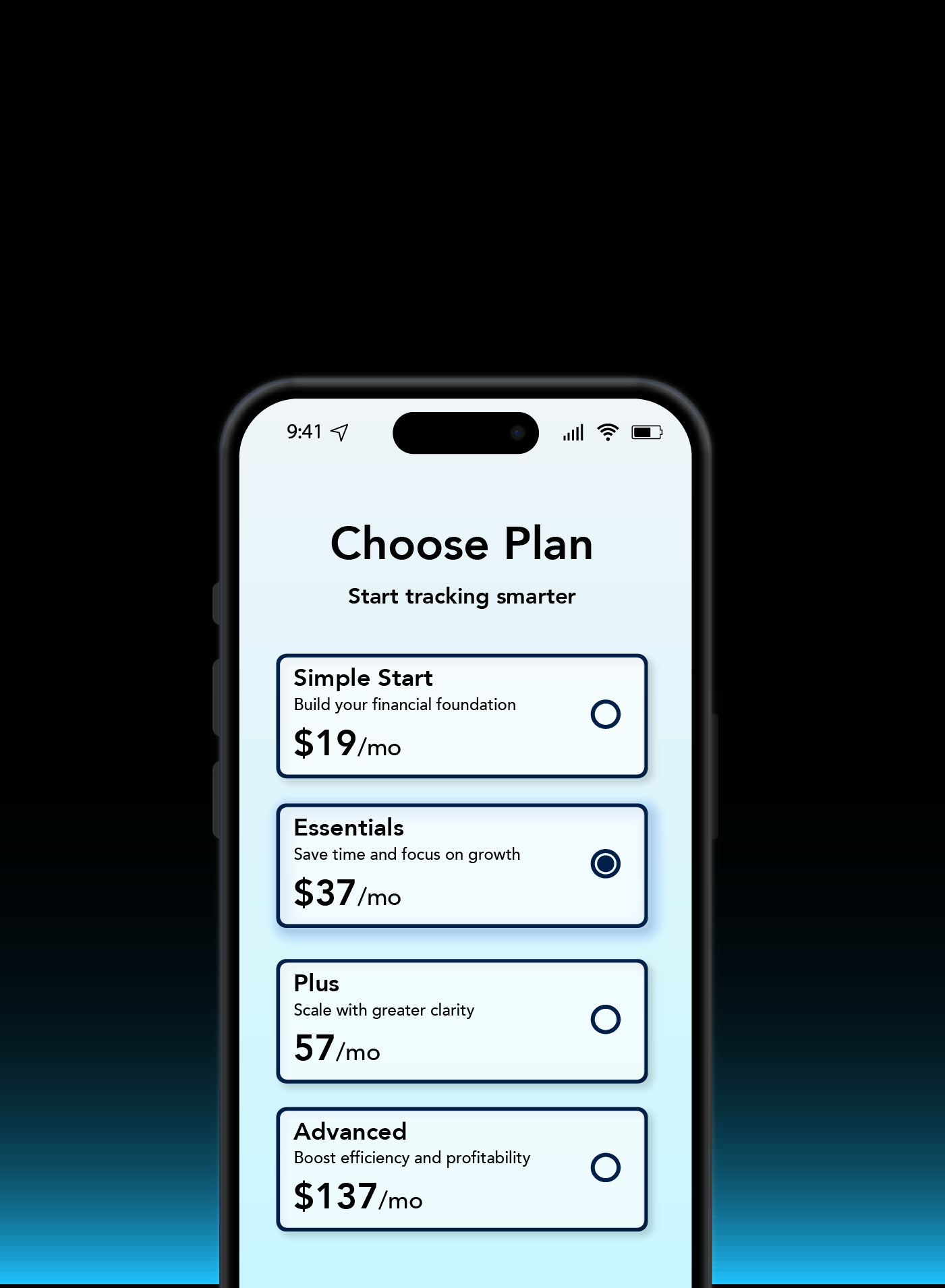
Choose the plan that fits your business. From solo freelancer to growing team, we've got you covered.
Step 3
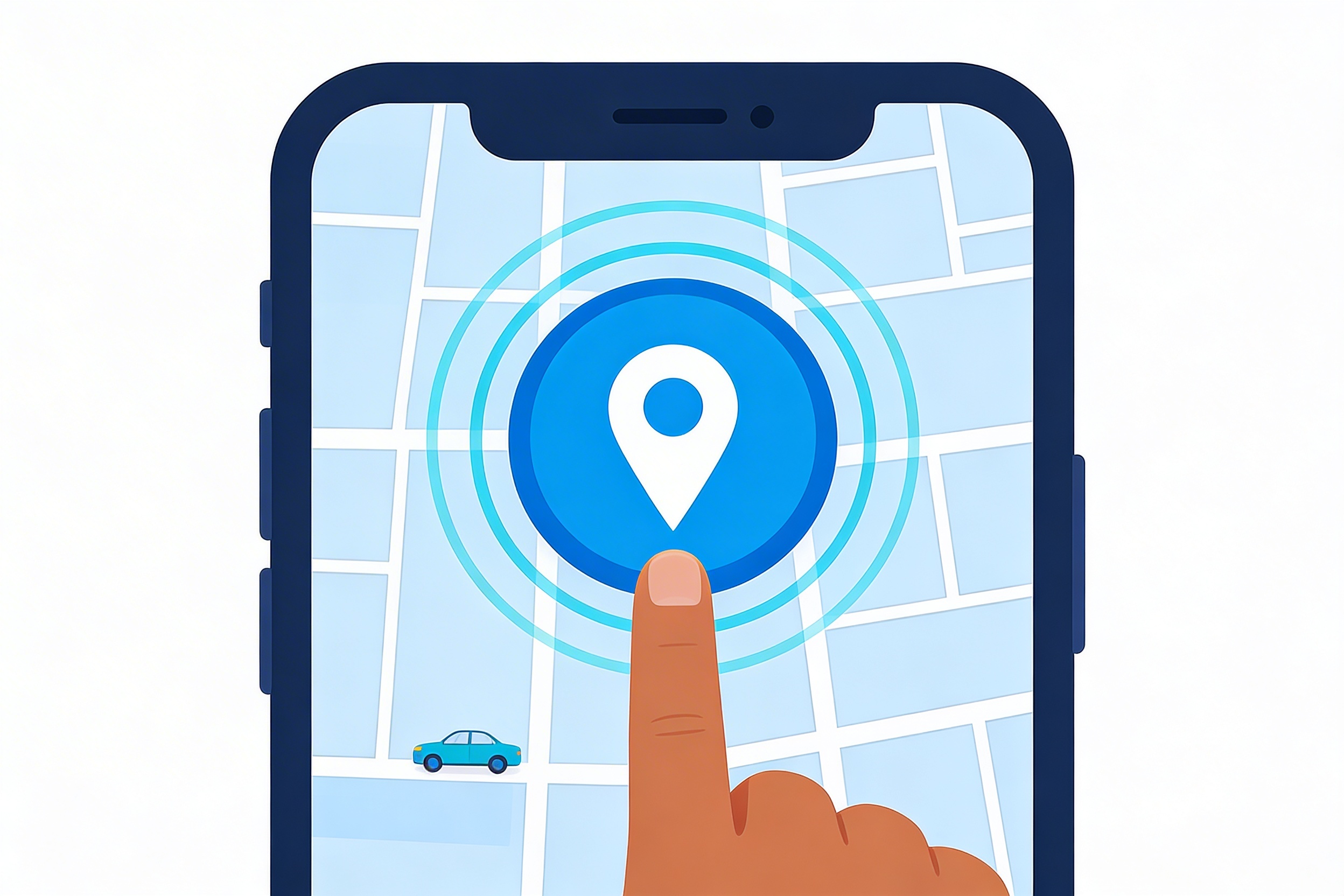
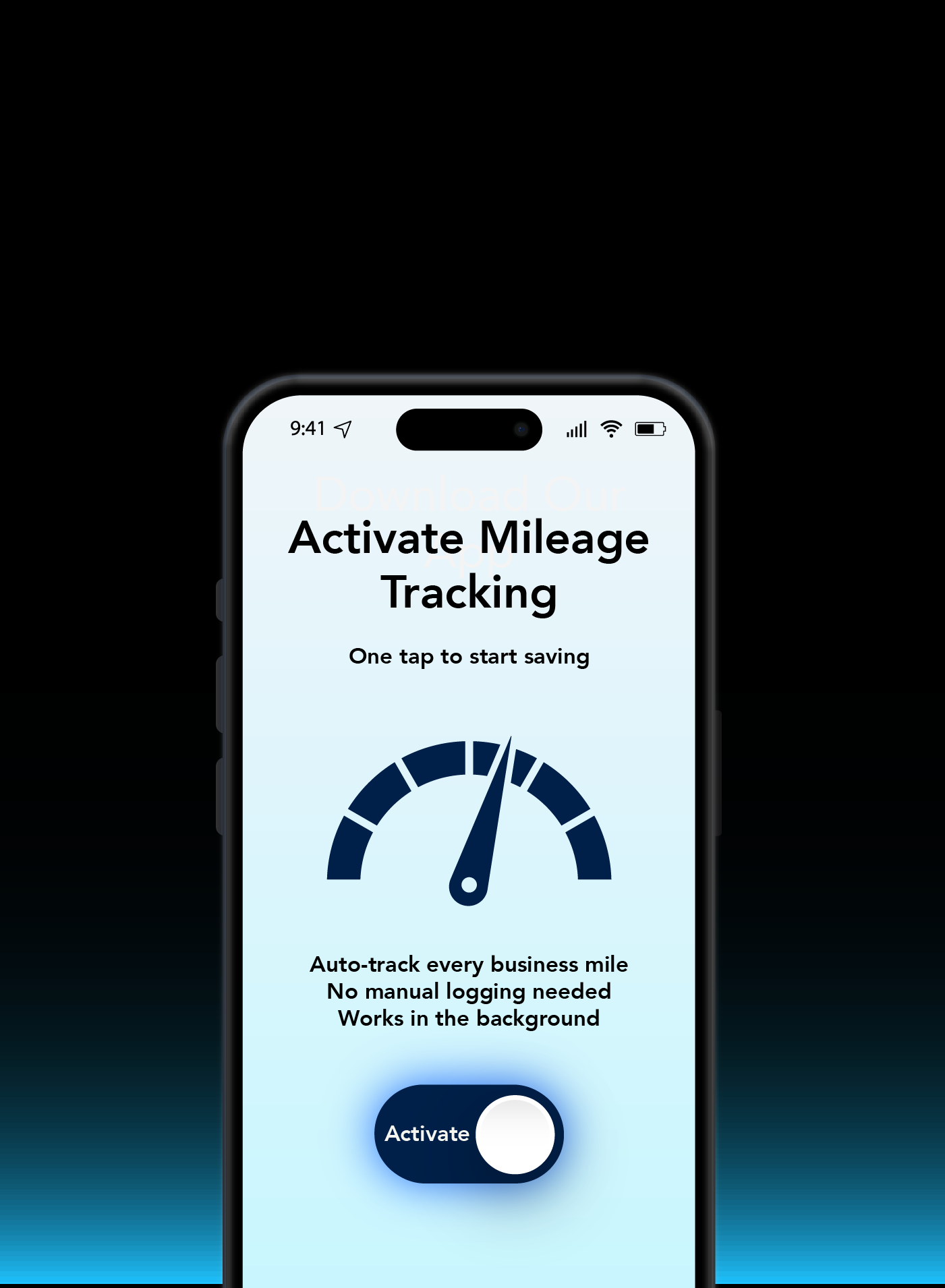
Enable automatic tracking. The app detects when you're driving and logs every mile in the background.
Step 4
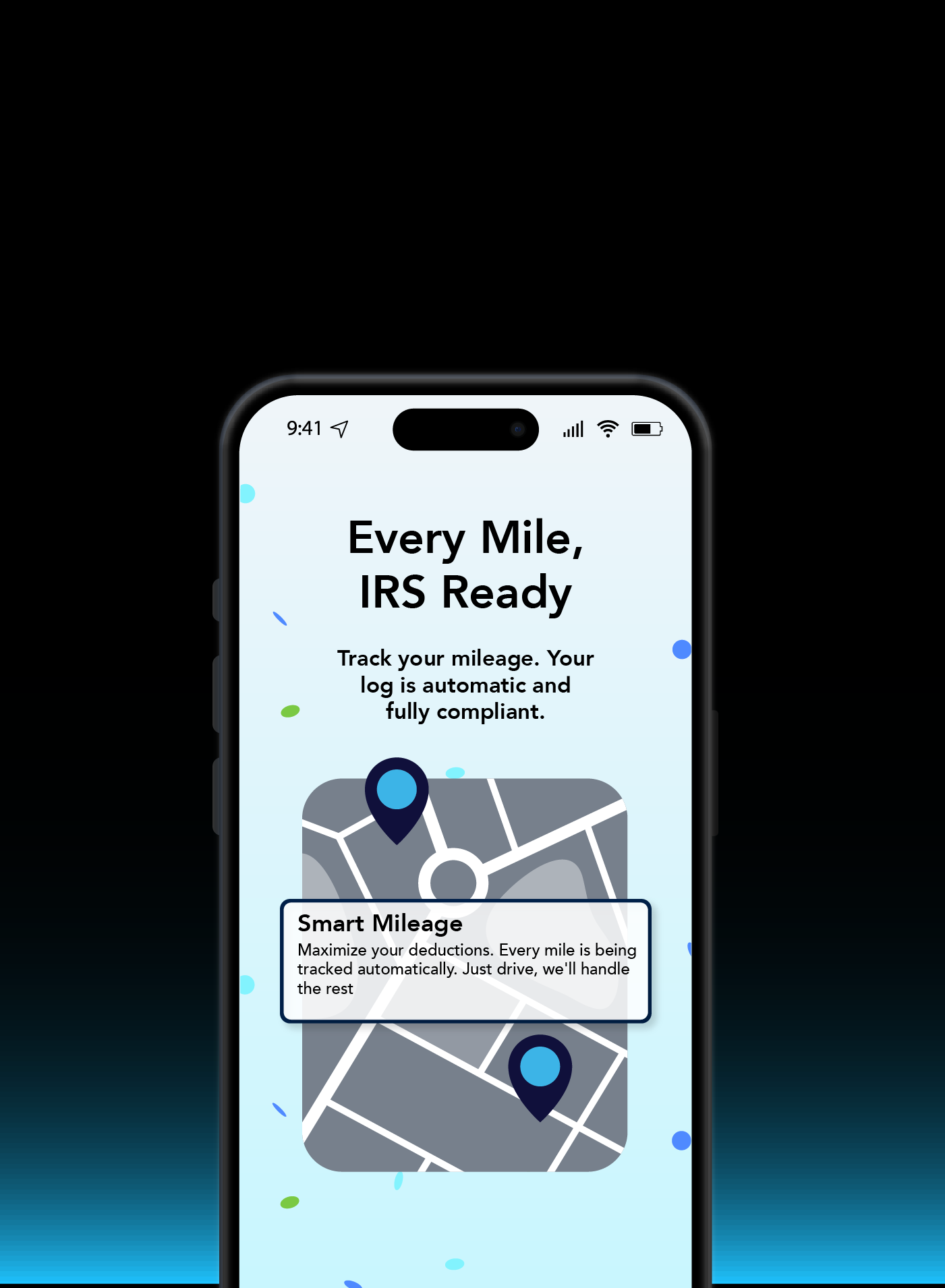
Every drive is automatically recorded. Swipe to classify trips as business or personal. That's it.
Step 5
Tax time? Your mileage report is ready to go. Maximize your deductions with zero extra work.

QuickBooks Mileage Tracker. Built for the self-employed.


Join millions of self-employed workers who track mileage and save on taxes with QuickBooks.
See Plans & Pricing