Standard Flashy Innovative Draft Design System
Why QuickBooks How It Works FAQ Download App

Track Mileage Automatically

Whether you're driving part-time, full-time, or occasionally making deliveries, mileage can be one of the largest tax deductions for a small business.

Person driving for work
Why QuickBooks

Mileage Tracking Is Built Into QuickBooks

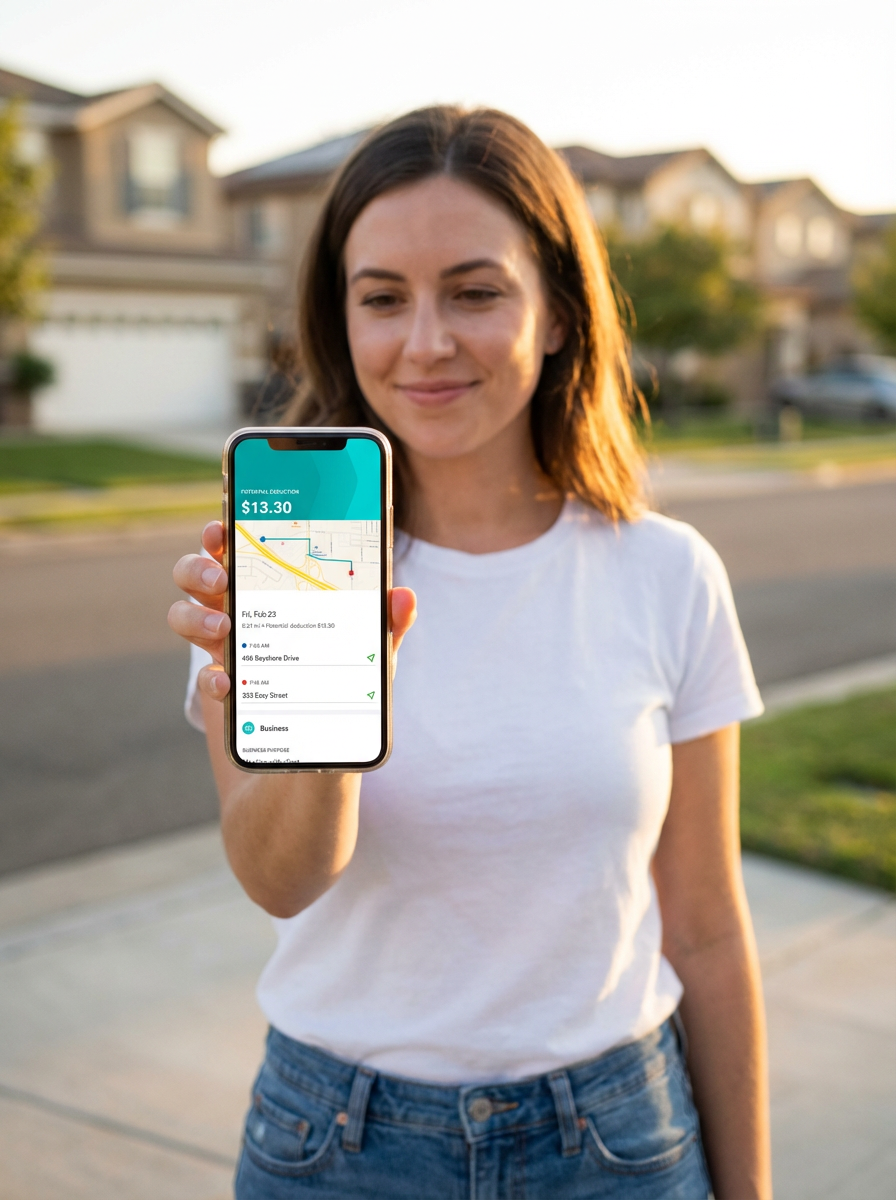
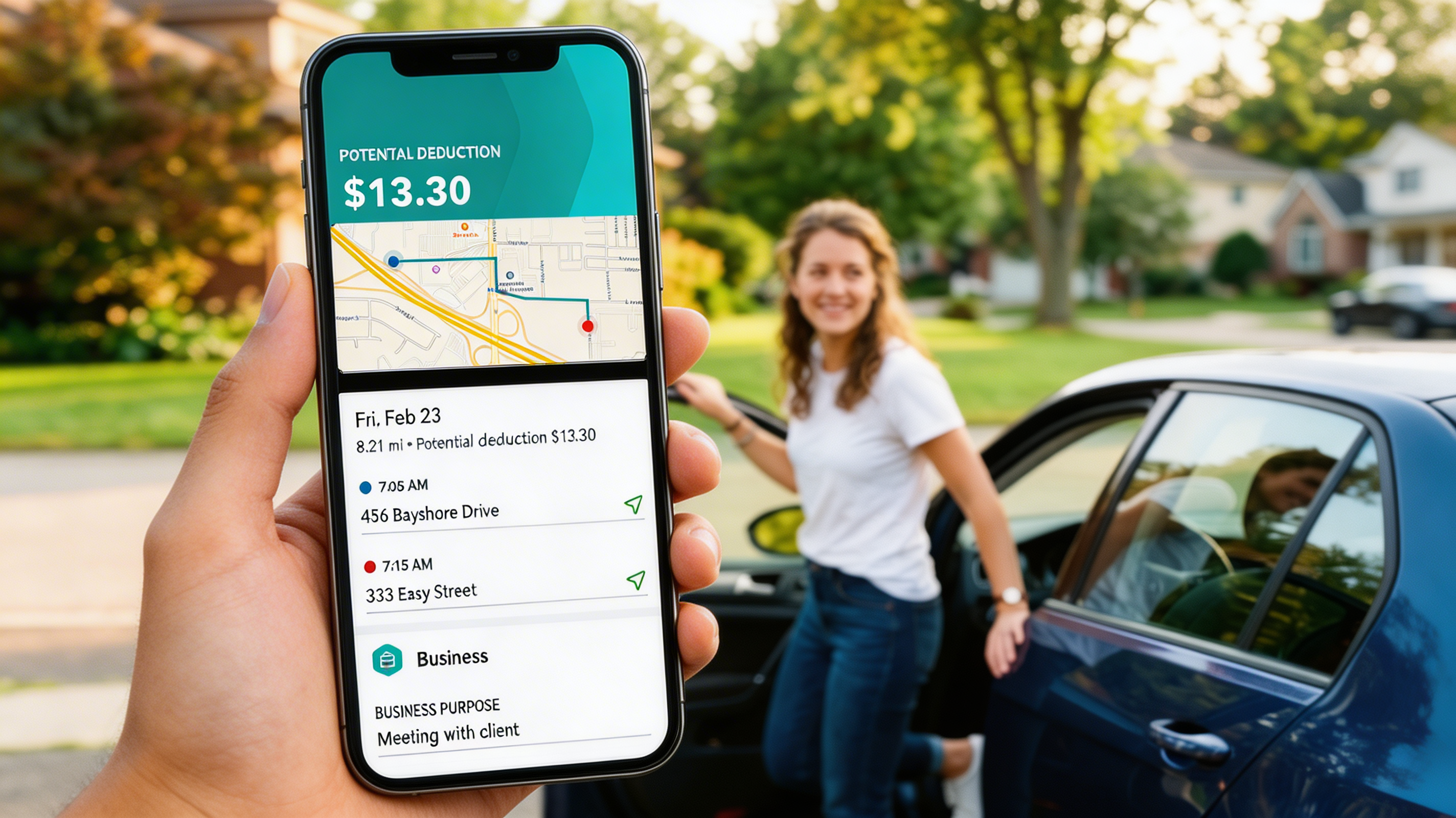
Automatic GPS tracking

Just drive, and we'll use your phone's location to detect when you're driving. Or, add a trip manually.

Swipe left for business miles

Easily categorize individual trips as business or personal to maximize your potential tax deductions.

Detailed mileage reports

See the breakdown of miles and potential deductions. Plus, it's easy to share when you need to.
How it works

Set Up in Under a Minute

Four steps. No learning curve. You'll spend more time reading this sentence than getting started.

Download the app

Takes Less Time Than Accepting a Ride

Grab it from the App Store or Google Play. That's your hardest step and it takes about 10 seconds.

Try it free
Pick your plan

Choose What Works for You

Select a plan that fits how you drive. No commitments, no surprises, upgrade or cancel anytime.

Try it free
Activate tracking

One Tap and You're Live

Flip on auto-tracking and the app handles everything from here. It detects every trip in the background.

Try it free
Just go

Drive Like You Always Do

That's it. Every mile is being logged, categorized, and saved for tax time. You don't have to think about it again.

Try it free
Advantages

Make Every Mile Count

A mileage log is a written record of your trips that you submit with your business mileage deductions. The QuickBooks mobile app acts as a digital mileage log by tracking and categorizing the miles you drive for work, so nothing is lost or forgotten at tax time.

Person reviewing mileage on their phone
Compliance

IRS Compliant Tracking

Stay IRS compliant by using a mileage log that includes the date, the destination, the reason for the trip, odometer readings, and total mileage. The QuickBooks Online app includes a digital mileage log and tracks these items for you, automatically.

Person working with QuickBooks
Testimonials

Proof Is in the Miles.

Our customers track smarter, save bigger, and stress less at tax time.

★★★★★Sarah M.

Deductions were 40% higher than last year

I used to forget to log my trips and would lose hundreds in deductions every year. With QuickBooks, it's completely automatic. I just drive and everything gets recorded.

★★★★★Emma R.

Saved over $2,000 in missed deductions

My accountant was impressed. I handed her a clean mileage report straight from QuickBooks and she said it was the most organized log she'd seen from a freelancer.

★★★★★David P.

Every trip logged with the exact route

As a real estate agent, I'm driving to showings all day. Before QuickBooks I was guessing my mileage at tax time. Now every trip is logged automatically.

★★★★★Lisa C.

Tracks miles across three delivery apps

I drive for three different delivery apps. Keeping track of which miles were business used to be a nightmare. Now I just let QuickBooks run in the background.

★★★★★James W.

Makes tax season completely painless

I used to dread tax season because of mileage tracking. Now I just export my report and hand it to my CPA. The GPS tracking is incredibly accurate.

★★★★★Mike T.

Set it and forget it

I turned on auto-tracking once and haven't thought about mileage since. At tax time I just export the report. Easiest deduction I've ever claimed.

FAQ

Frequently Asked Questions

Tap Mileage from the menu, then tap the Plus icon to create a new entry. Enter your trip information: date, total mileage, and trip purpose. Select Save and you're all set.

Yes, you can easily share tax details, like mileage, through the mileage report. It lists your self-assigned taxable business profit and total amounts for each Schedule C deduction category.

You can track miles in QuickBooks Online or QuickBooks Self-Employed.

After you sign in and switch plans you can select an option to bring your data over. You'll find your miles waiting for you in your new account.

Open the app and tap the Miles tab. Switch the toggle to turn on automatic mileage tracking and enable location services. When you start driving, we'll start tracking miles.

Swipe right on the trip to categorize it as a personal trip, and swipe left to put it in a business mileage category. Keeping an accurate log ensures business trips are tracked for tax time.

Start Tracking in 30 Seconds

Every mile you don't track is money left on the table. QuickBooks automatically logs your drives, categorizes your trips, and generates IRS-ready reports so you never miss a deduction.